
OCR · Original citations · Raw material profiles
Read safety data sheets. Review the source.
Extract information with OCR, check original citations and add suitable values to your raw material safety profile draft.
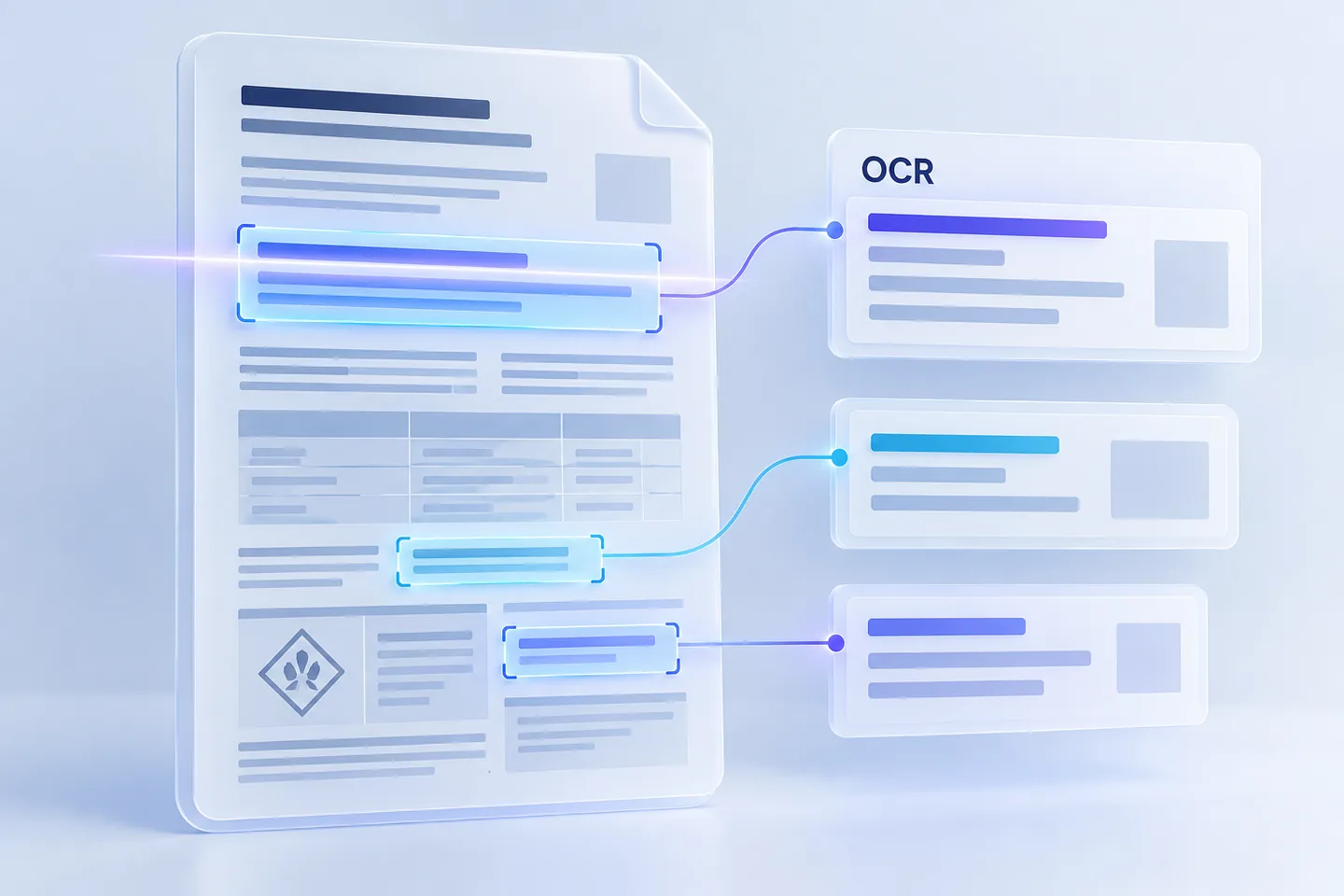
From a document to a traceable suggestion
Extracted information stays connected to its original citation. Review the context and assign the value to the appropriate raw material or constituent.
Example: a study reference in a safety data sheet
A fictional excerpt to explain the workflow, without invented substance or dose values.
1 · Original citation
Example SDS · Page 4 · Section 11
NOAEL: [value and unit from the original]. Repeated-dose oral study.
The highlight identifies the citation. Check the value, unit and study reference against the actual original.
2 · Suggestion with context
- Endpoint
- NOAEL
- Route
- Oral
- Original reference
- Example SDS · Page 4 · Section 11
- Review required
- Dose value, unit, study identity and assignment to the raw material or constituent.
3 · Review, assign and save separately
Only suitable reviewed candidates supplement the unsaved safety profile draft. Missing evidence remains outstanding. Save the profile version separately; professional confirmation follows its own evidence requirements.
Less retyping. Work directly with the source.
Attach the document to the raw material
Link a safety data sheet, supplier record or suitable assessment document to the material. The original remains unchanged.
Extract information automatically
INCIkit reads digital PDF text and uses OCR for scans and images. Extracted information and study suggestions retain their sources and outstanding details.
Check the value and study context at the source
Compare the citation, unit, route and study context with the archived original. Where available, open the highlighted area of the original page.
Explicitly assign the material or constituent
Check what the information refers to. A matching substance identifier is a starting point; suitability and assignment still require review.
Add suitable values to the draft
Eligible NOAEL/NOAEC candidates first supplement the unsaved safety profile draft. Existing values and evidence are retained.
Save the profile version separately
Add the required evidence and save the edited version. Professional confirmation is a separate step. Suitable confirmed information can then be reused in relevant formulas.
Keep raw material evidence connected
Connect the original and its citation
Trace extracted information to text, page and available highlighting. Original evidence remains linked to the relevant extraction version.
Review study information in context
Distinguish endpoints, units, routes and other study details. Missing or conflicting information remains part of the review.
Pause and resume extraction
Saved progress shows the pages already processed. Pause and resume from that version; keep the page open for automatic subsequent steps.
Assign batch-specific evidence
Compare extracted batch numbers with existing raw material lots and explicitly confirm an unambiguous assignment. Evidence retains its specific lot context.
Distinguish extraction, adoption and confirmation
OCR produces suggestions. Review the original, study context and substance assignment. Positive exact NOAEL/NOAEC values with a supported unit and route can enter a draft when the original is verified and the material explicitly assigned. Saving and professional confirmation remain separate steps.
Study information can also be extracted from safety assessments. Unreviewed assessment excerpts and SDS excerpts without an established study identity remain blocked from direct adoption. Other endpoints and absorption information are handled separately; an LD50 value is not reclassified as a NOAEL.
Document extraction and profile editing require the appropriate write role and active write access. Document and processing limits apply. Later PDF/ZIP output depends on document type, plan and export limit. The pricing page explains these services separately.
Questions about SDS data extraction
Which document formats can INCIkit read?
PDF text is read directly; scans and PNG/JPEG images use OCR with German/English models. DOCX, XLSX and XLS receive additional structured reading. Raw material documents have a 4 MiB limit; OCR PDFs are limited to 256 pages and further resource limits. Storing a legacy DOC document does not mean that format is read structurally.
Are extracted values saved directly to the raw material?
Extraction saves its reading progress without overwriting an existing safety profile. After source review and explicit substance assignment, eligible candidates first enter an unsaved draft. Save the profile version separately; professional confirmation requires its own evidence.
Can I extract information from safety assessments?
Yes. Detected study information and its citations can be displayed for review. This does not automatically import an entire product safety assessment into a raw material. Unreviewed assessment excerpts and SDS candidates without an established study identity are blocked from direct adoption.
Can I resume a longer extraction?
Yes. Progress is saved; pause and resume use the existing version. Automatic subsequent steps require the page to remain open. Processed pages may still need review, be unreadable or skipped; progress does not confirm complete readability.
How are batches and certificates of analysis handled?
Compare extracted batch numbers with existing raw material lots and explicitly confirm an unambiguous assignment. A batch-specific certificate of analysis retains that delivery context rather than applying automatically to future deliveries.
Which plan do I need for document extraction?
Extraction and profile actions check the write role and active write access. Document extraction, professional confirmation and later file output are separate services; output also depends on document type, plan and export limit.