
Know what each cosmetic product costs to make.
Connect your formula to packaging, labour and overhead. INCIkit shows manufacturing cost per unit and the margin against your net selling price, separately for each pack size.
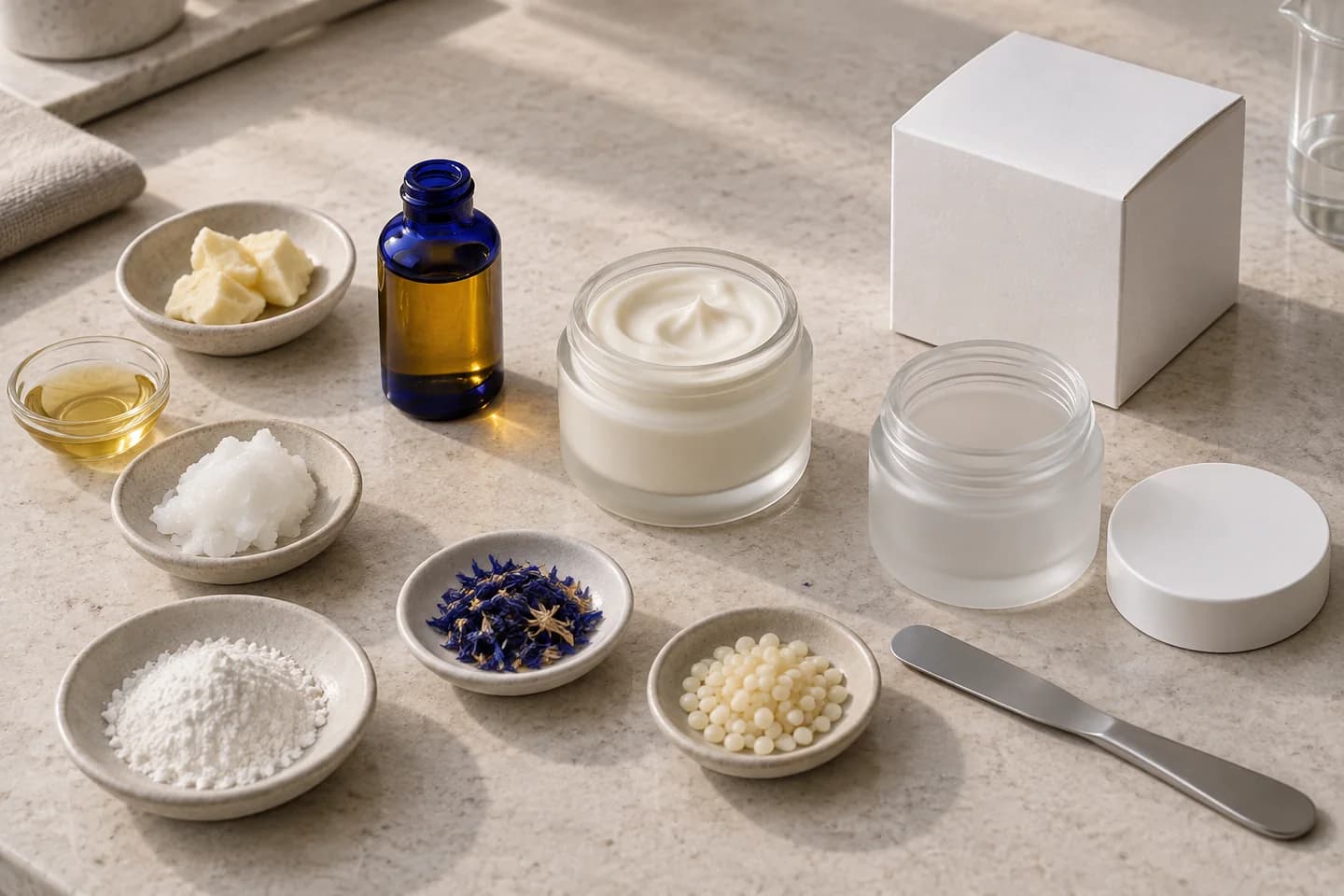
100 jars. Every cost accounted for.
This fictional example shows the calculation behind a packaged product. All amounts are assumptions in EUR, not manufacturing instructions.
Calculate the cost of one batch
Illustrative costing example
- Saleable quantity
- 100 units × 50 g = 5 kg
- Assumed material loss
- 20% of the batch input
- Required batch input
- 5 kg ÷ 0.8 = 6.25 kg
| Cost component | Assumption | Amount |
|---|---|---|
| Raw material mix | 6.25 kg × €6.00/kg | €37.50 |
| Packaging | 100 × €0.60 | €60.00 |
| Labour (90 min) | 1.5 h × €20.00/h | €30.00 |
| Overhead | Per batch | €12.50 |
| Total manufacturing cost | €140.00 | |
Manufacturing cost per unit
€1.40
€140.00 ÷ 100 saleable units
Compare net selling prices
Direct sales
- Net selling price
- €4.00
- Manufacturing margin
- 65 %
Wholesale
- Net selling price
- €2.80
- Manufacturing margin
- 50 %
Margin = (net selling price − manufacturing cost per unit) ÷ net selling price.
From formula to selling price
Create a sales product
Choose a formula and set up a pack variant with net content, unit and an optional SKU. Add density when using a volume unit.
Add the costs of making it
Set your saleable quantity and production loss. Include jars, lids and labels, then enter batch labour time, hourly rate and overhead.
Compare your prices
View unit cost alongside direct and wholesale net selling prices. Missing inputs stay visible so a partial subtotal cannot be mistaken for a complete estimate.
Keep the calculation version
Save the formula and price inputs used for this calculation. Later ingredient price changes do not rewrite that saved version.
Go beyond ingredient costs
Compare pack sizes
A 30 ml serum and its 50 ml variant can have different packaging costs. Cost them as separate sales products using the same formula.
Account for production loss
With 20% mass loss, 80% of the batch remains saleable. Filling 5 kg therefore requires a 6.25 kg batch. Packaging costs apply to the saleable units.
Work with different currencies
Choose a costing currency and manually enter the exchange rates you need, with their dates. Each calculation keeps a record of the rate used.
Understand what the margin includes
The margin compares your net selling price with the manufacturing costs entered. Distribution, shipping, payment fees and taxes are not automatically included. This is not company profit.
Missing ingredient prices or exchange rates leave total cost and margin unknown, while known subtotals remain visible. Exchange rates are entered manually. Costing does not replace accounting or change stock quantities.
Sales products and costing are available on all paid plans. You can also try them with your available formulas during an active trial. Editing requires the appropriate team role.
Product costing questions
Can I calculate with ml, oz or fl oz?
Yes. Supported mass units include g, kg, mg, oz and lb; volume units include ml, l, US fl oz and UK fl oz. Volume calculations require the density you provide.
What if an ingredient has no price yet?
Known subtotals remain visible and missing inputs are identified. The full total and margin remain unknown. You can save an incomplete calculation, then create a new version when the inputs are ready.
Can I compare direct and wholesale pricing?
Yes. Enter a net price for each channel and compare both with manufacturing cost per unit. Consider discounts, shipping and selling fees separately when deciding your prices.
Will a supplier price change alter earlier calculations?
No. Saved versions preserve the formula and price inputs used. Create a new calculation version for changed conditions.