
Know what is missing before production starts.
Plan your target unit count and required date. INCIkit compares ingredient and packaging needs with stock and expected deliveries, helping you prepare purchasing from the remaining shortages.
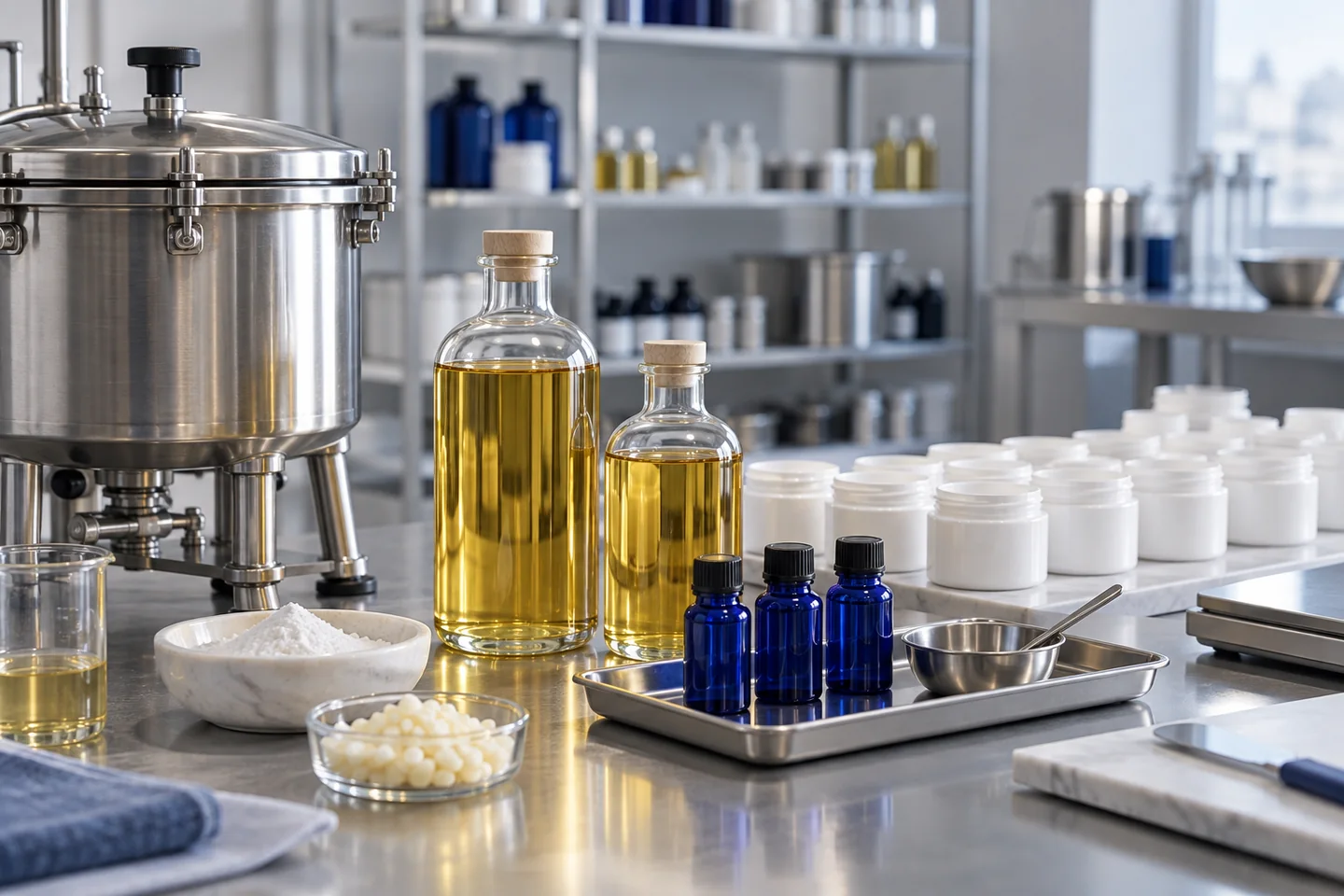
Plan 190 jars. See shortages before you start.
Fictional example: 190 jars at 50 g each need a 10 kg batch when allowing for 5% mass loss. The table shows one ingredient and the jars. Expected deliveries are not stock on hand.
What is missing for the planned batch?
Fictional example · schematic illustration
Planned saleable quantity
190 × 50 g = 9,500 g
Batch input with an assumed 5% material loss
9,500 g ÷ 0.95 = 10,000 g
Material A · 60% of formulation
- Required
- 6,000 g
- Available stock
- 3,000 g
- Arrival by required date
- 1,000 g
- Shortfall
- 2,000 g
Jars
- Required
- 190 units
- Available stock
- 120 units
- Arrival by required date
- 20 units
- Shortfall
- 50 units
The shortfall is 2,000 g of material A and 50 jars. Only open orders scheduled to arrive by the required date are included.
From production needs to recorded purchasing
Choose a product, quantity and date
Select a saved sales product version, your target number of good units and the required date. Planning uses that version’s saved formula and loss assumption.
Review requirements and coverage
Compare ingredients and mapped packaging items with available stock. Check expected delivery dates and unresolved mappings before accepting the shortages.
Prepare purchase drafts
Group shortages by supplier and review the draft. Place the order yourself outside INCIkit, then mark it as ordered in the app.
Record goods received
Record the quantities that actually arrive, including partial deliveries. Only a recorded receipt changes stock; an expected delivery does not.
Keep ingredients and packaging in the same plan
Use your saved product data
The product version connects fill quantity, formula and loss allowance. Map packaging components to the appropriate inventory items.
Account for delivery dates
See which outstanding deliveries are expected by the required date. Overdue or undated orders do not provide assured material coverage.
Keep unresolved inputs visible
Missing ingredient or packaging mappings remain visible. Premixes and unlinked formula ingredients are not silently treated as covered.
A material plan for your next production run
This workflow plans materials for new production. It does not automatically offset finished goods, bulk quantities or total masterbatch stock. The preview does not reserve materials or start production.
Purchase drafts help you prepare an order. INCIkit does not send orders to suppliers or automatically connect this workflow to a shop or customer order. It is not a machine or staffing capacity planner.
Planning and purchasing are available on all paid plans and during an active trial, with the appropriate write role. Existing formula, ingredient and production limits still apply.
Planning and purchasing questions
Does a plan reserve the required ingredients?
No. The preview calculates requirements and coverage without changing stock. Check current availability again before you actually produce the batch.
Are purchase orders sent automatically?
No. Review the draft and place the order yourself through your usual supplier contact. Marking it as ordered records that external step in INCIkit.
How do partial deliveries work?
Record the quantities that actually arrive. Outstanding quantities remain traceable on the order, and expected deliveries stay separate from goods already received.
Does an order without a confirmed delivery date count as available?
No. An outstanding order is not physical stock. Unclear, overdue or missing delivery dates need to be considered when deciding whether to produce.
Can I use this to schedule staff or machines?
This workflow plans ingredient and packaging requirements and purchasing. It does not include automatic staff, machine or customer-order scheduling.