
From measured bulk to finished product.
Record what you actually fill, the packaging you consume and what remains. Then track finished goods by item and batch, with a clear record of inventory movements.
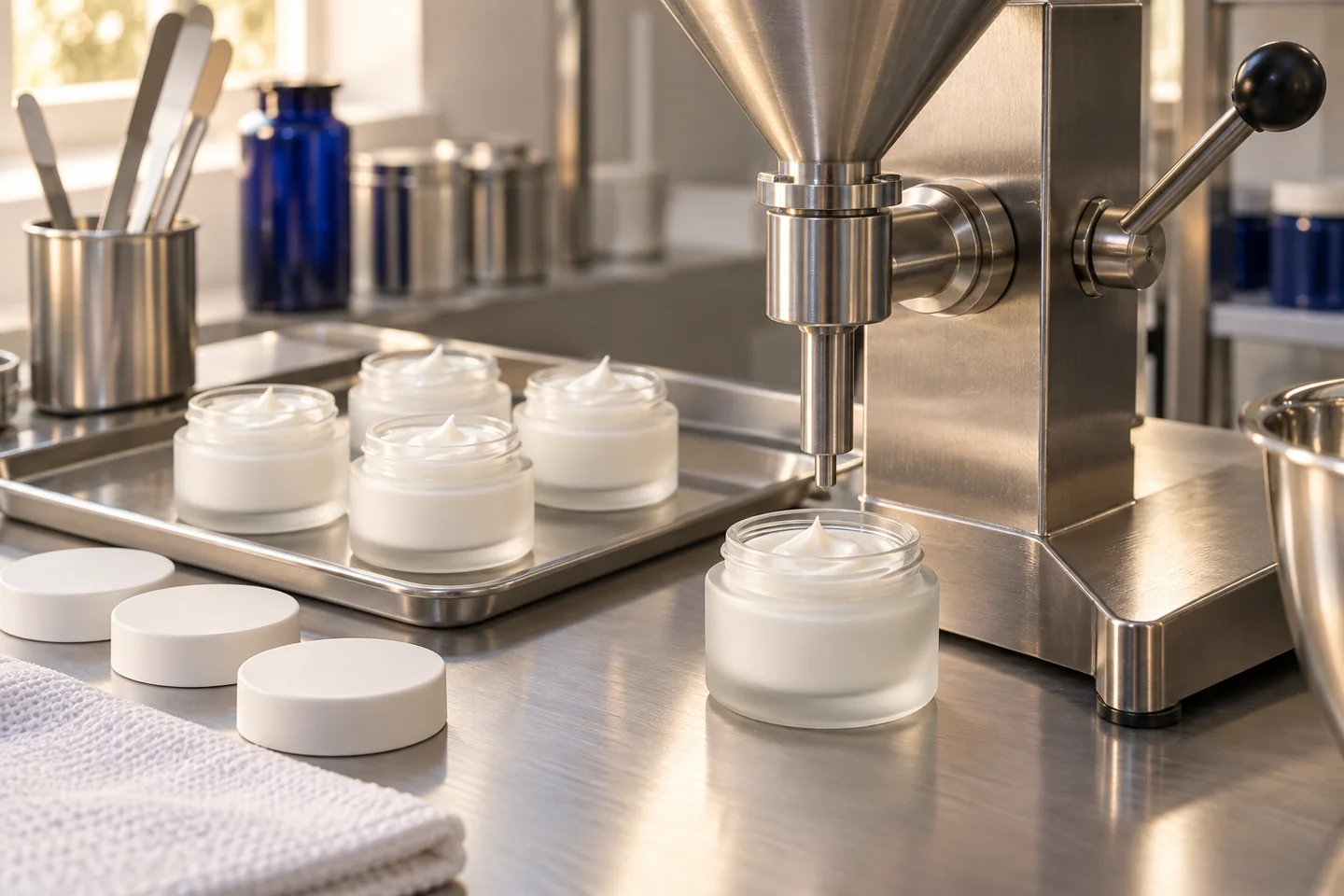
10 kg of bulk. One traceable filling run.
Fictional example for a nominal 50 g item. Actual filled mass, process loss and packaging scrap are recorded separately. The quantity comparison is not a legal net-content check.
From measured bulk to finished goods
Fictional example · schematic illustration
Measured available bulk quantity
10,000 g
- Actually filled
- 9,090 g
- Process loss
- 110 g
- Remaining bulk
- 800 g
9,090 g + 110 g + 800 g = 10,000 g
Record packaging consumption
- Jars before filling
- 220
- Used + scrap
- 180 + 4 = 184
- Jars remaining
- 36
After confirming the booking
180
Good units in finished goods stock
New finished goods are not yet available. Explicit stock release follows only after the prerequisites have been checked.
The source batch remains linked. Completing or archiving production alone does not release finished goods stock.
Four steps from bulk receipt to inventory
Record measured bulk received
Enter the bulk quantity actually available from a completed or archived production batch. INCIkit does not automatically create it from the sum of weighed ingredients.
Document the filling run
Choose matching sales product versions for the formula. Record good units, actual net filled mass and process loss, along with packaging consumed and scrapped.
Review the posting preview
Check the effects on bulk, packaging and finished goods stock. Confirm the posting once the quantities and mappings are correct.
Track finished goods
New finished goods start blocked. Deliberately manage their inventory status and record later reservations or withdrawals. The source production batch’s status still matters.
Connect quantities, packaging and batch records
Record actual quantities
Nominal fill quantity multiplied by unit count does not replace a measured filled quantity. Process loss and remaining bulk stay separate from good units.
Understand packaging consumption
One jar per good unit and additional packaging scrap are different quantities. The preview shows their inventory impact before posting.
Follow inventory movements
Track items, batches, reservations and withdrawals in the journal. Internal QR links take authorised, signed-in users to the relevant stock record.
A stock entry is not a product approval
New finished goods start blocked. Releasing the inventory does not override a production-batch block or replace a required qualified release. An inventory posting is not regulatory approval.
Posted movements remain traceable. Corrections use reasoned follow-up movements rather than rewriting existing batch records. Internal QR links are not EAN/GTIN identifiers or public traceability pages.
Filling and finished goods are available on all paid plans and during an active trial, with the appropriate write role. The separate curing and release module requires Professional or Enterprise. Existing production limits still apply.
Filling and finished goods questions
Does the total weighed mass automatically become bulk stock?
No. You record a measured bulk receipt for the source batch. The amount actually available after manufacturing can differ from the sum of ingredients weighed in.
Can one batch fill different pack sizes?
Yes. Use suitable sales product versions linked to the source batch’s formula. Record good units, actual filled quantities and packaging consumption for the filling run.
Are newly posted finished goods immediately available?
No. New stock starts blocked. A deliberate inventory release and an appropriate production-batch status are required for further use.
How do I correct a posting error?
Use a follow-up movement with a reason. The original movement remains in the journal so inventory changes stay traceable.
Can customers use the internal QR code?
The QR link is intended for authorised, signed-in INCIkit users. It is not a public product passport, an EAN or a GTIN for retail.